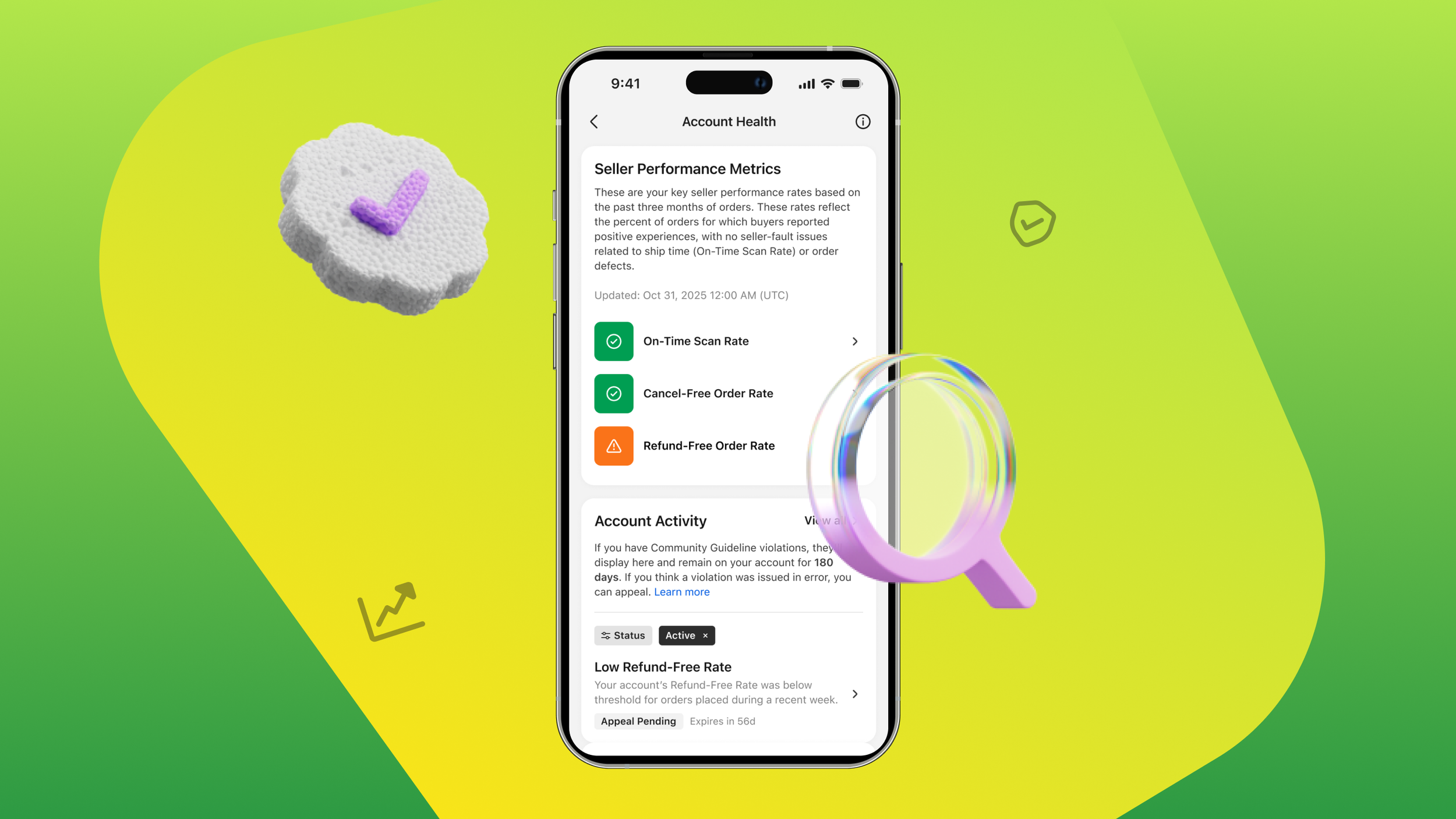
Whatnot should fit into the way you already run your business. That might mean connecting to inventory you manage across sales channels, sending orders to your fulfillment system, or bringing information from multiple Whatnot accounts into one place.
Making those connections easier has been one of your top requests. Starting today, every seller approved to sell live on Whatnot can now access the Whatnot Seller API via the Seller Hub.
Our API lets you programmatically connect your Whatnot account to your existing business tools or build something specific to your needs, helping you spend less time moving information and more time running your business.
Built with sellers, ready for more businesses
Over the past two years, sellers in our developer beta have helped us improve the API around their day-to-day needs. For this release, we’ve made setup easier, added fulfillment capabilities such as generating Whatnot shipping labels, and made event updates faster.
Gary Vaynerchuk’s VeeFriends team already uses the API to manage inventory and fulfillment across multiple live commerce channels, fulfillment centers, and Whatnot accounts:
“Whatnot’s APIs have been the easiest to use and integrate with of any live streaming platform we’ve worked with,” said Tom Bohonan, VP of Technology at VeeFriends. “We’ve streamlined the entire process, from orders flowing into our backend and across multiple fulfillment locations to syncing tracking back to Whatnot.”
Connect Whatnot to the way you run your business
Start with one task you want to simplify, then build from there.
Manage multiple Whatnot accounts in one place. Bring orders from your accounts into one dashboard or order management system so your team can see what needs attention without switching between accounts. Each account needs its own connection.
Keep inventory connected across sales channels. Create and update products, manage variants, and adjust inventory quantities from your own system. Build a connection that keeps Whatnot in sync with the inventory tools you already use.
Bring orders and fulfillment into your existing workflow. Pull Whatnot orders into your order or warehouse management system, generate Whatnot shipping labels, and sync tracking information back to Whatnot.
These are connections you can build with the API. Your setup will depend on the systems you use and the tasks you want to automate. Explore the developer documentation to see what’s supported.
Get the most out of our API
Real time updates with webhooks
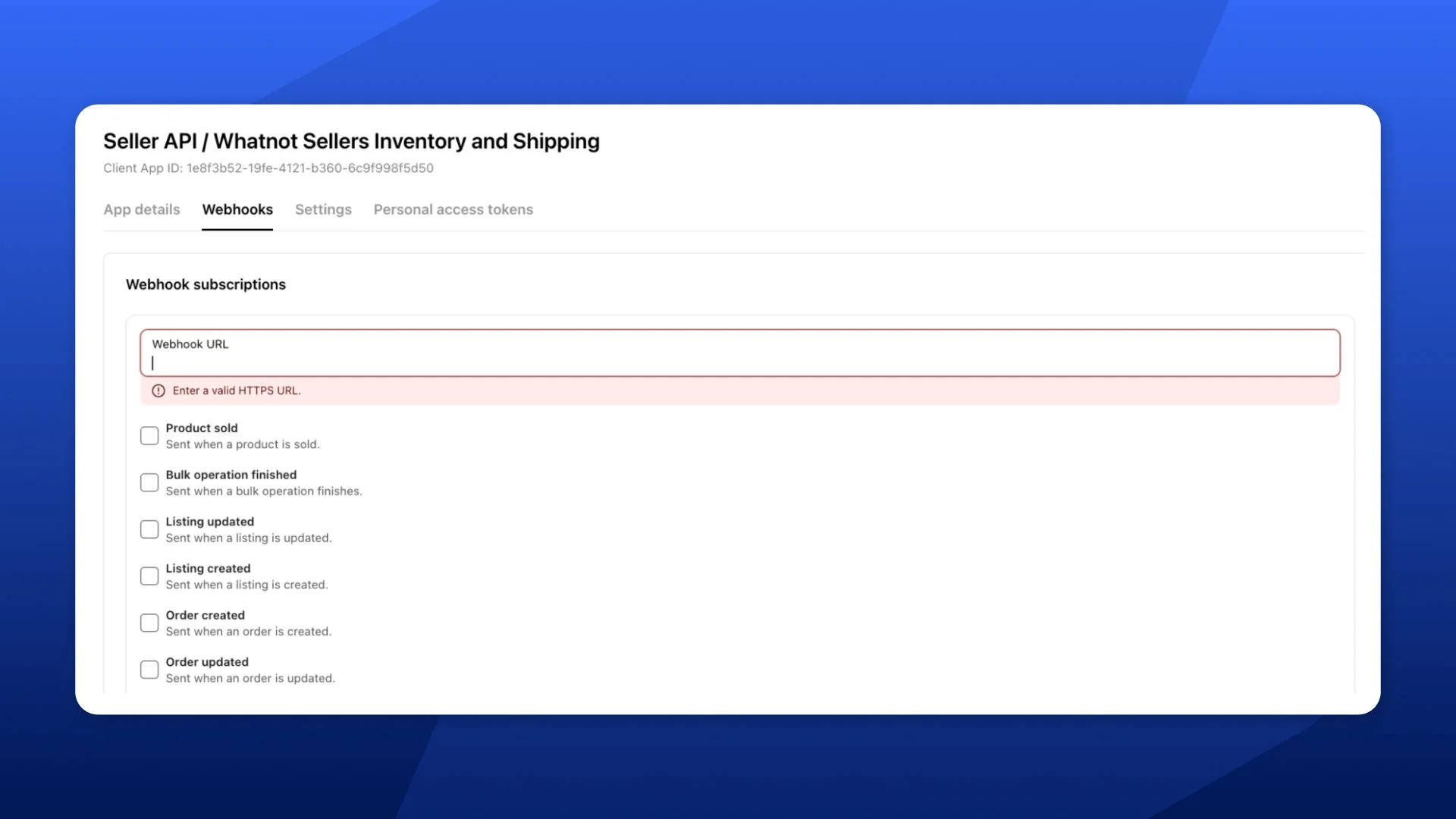
If you use another system to manage orders, you’ll want it to know when a sale happens on Whatnot. Webhooks send that system an automatic update when an event happens, such as a new order or a cancellation.
For example, a new order could trigger your fulfillment system to add it to your packing queue. Your tools can respond as orders come in without constantly checking Whatnot for changes.
We’ve reduced webhook delivery time to under one second for 95% of events, helping your connected systems respond faster.
To get started, choose the events you want to track and configure where your system should receive them in the Seller API section of Seller Hub. Follow the webhook setup guide for instructions and supported events.
Ask questions about your business in your favorite AI tools
Want to review your orders without building a custom dashboard? Whatnot’s Model Context Protocol (MCP) connection lets compatible AI tools, like Claude and Cursor, work with your Whatnot account using conversational instructions.
Once connected, you could ask: “Pull my Whatnot orders from the last 30 days and summarize sales by day.”
MCP gives the AI tool a way to understand which Whatnot actions are available and carry them out. It can be a starting point for simpler tasks, such as retrieving and analyzing orders.
Follow the Whatnot MCP setup guide to connect your account(s).
How to get started
The Seller API is available to every seller approved to sell live on Whatnot. You can read how to get started here, or follow the steps below:
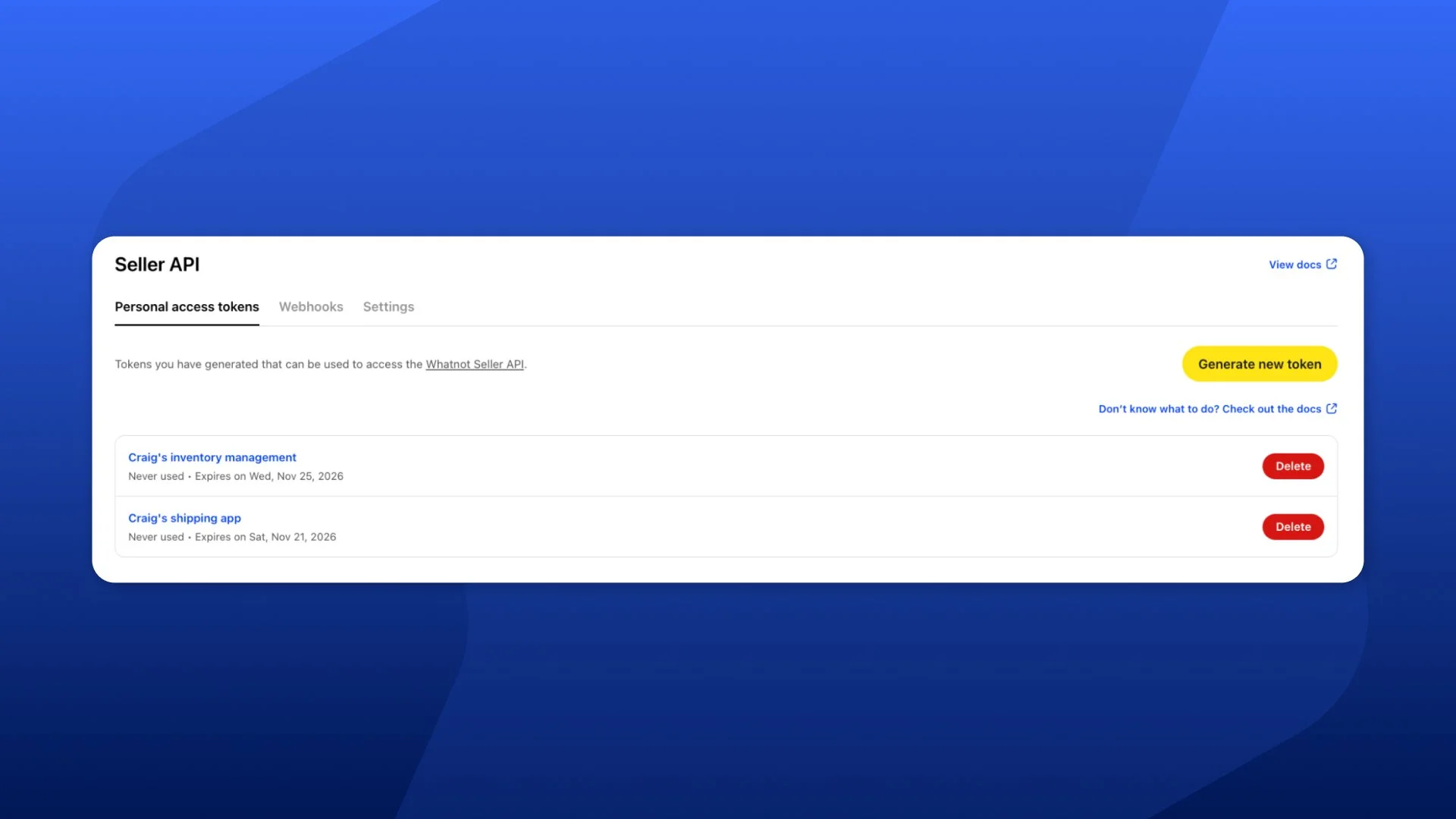
Create an app and generate a personal access token. These are the private credentials your own integration uses to access your account
Set up your connection. Follow the developer documentation to connect your business tools, or use the MCP setup guide for a compatible AI tool.
Connect any additional accounts separately. Each Whatnot account needs its own setup before you can bring its information into your system.
Keep your personal access token private, just like your password. Don’t send it to a vendor or developer, or paste it into an AI chat. Use it only for authorizing API calls as outlined in the documentation.
This release supports integrations you build for your own business today, with more updates and functionality to come in the future. Head to Seller Hub → Seller API to get started.
Happy Selling!
– Whatnot Product Team