Product Spotlight: Clearer Signals, Stronger Protections, Smarter Growth
As your business continues to grow, the small details start to carry more weight.
Having a clear understanding of what’s happening at every stage – from what buyers are searching for to when an order is packed, handed off, and officially in transit – makes selling feel seamless. You can plan with confidence, buyers know what to expect, and outcomes feel more aligned with the effort you’re putting in.
Without that visibility, things don’t necessarily break, but they can feel harder than they need to be. A delayed carrier scan can create confusion around shipping speed. Strong buyer intent can get lost in the shuffle. Pre-bids may be there but not surfaced in the most impactful way. Over time, those small gaps add friction for both you and your buyers.
This month, we’re focused on three key moments that shape your results: how buyers discover your items, the excitement that builds before your show even starts, and what happens when you ship your orders.
Here’s what’s new.
Get discovered faster: new subcategories
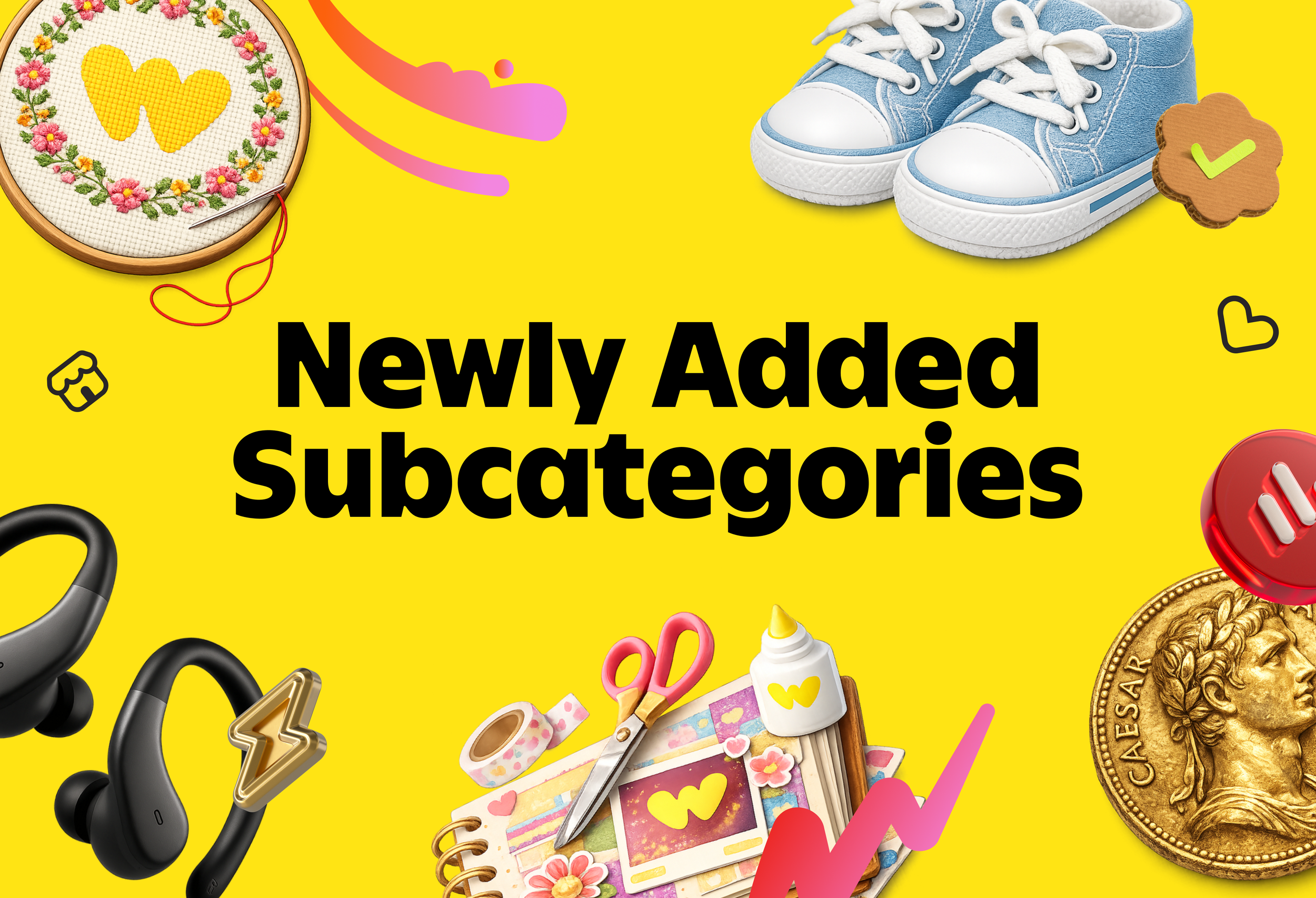
We’re rolling out new subcategories every month, and this month’s drop opens up some in demand, high potential spaces for sellers.
As Whatnot grows, buyers are getting more specific about what they’re looking for. Creating more specific subcategories helps match that energy. When someone clicks into Exotic Snacks or Gold Nuggets, they already know what they want. That level of intent leads to stronger engagement, higher conversion, and more repeat buyers for sellers in those categories.
Here’s what’s new:
Food & Drink: Exotic Snacks, Chocolate, Condiments & Sauces, Soda & Drinks
Fashion: Men's Grooming, Bath & Body Essentials, Baby & Kids Shoes
Electronics: Headphones & Speakers
Collectibles: Ancient Coins, Gold Nuggets
Arts & Handmade: Embroidery & Needlework, Scrapbook & Journaling, Stickers, Stamps, 3D Prints, Heat Transfers
Early signals indicate a meaningful opportunity across these categories. In Gold Nuggets, buyer demand is outpacing supply – a clear gap for inventory is emerging. Exotic Snacks is leading in watch time and buyer conversion rates, indicating strong discovery and engagement. Meanwhile, in Arts & Handmade, categories like Scrapbook & Journaling and Embroidery are seeing repeat purchase rates near 80%, highlighting loyal, highly engaged communities that consistently come back.
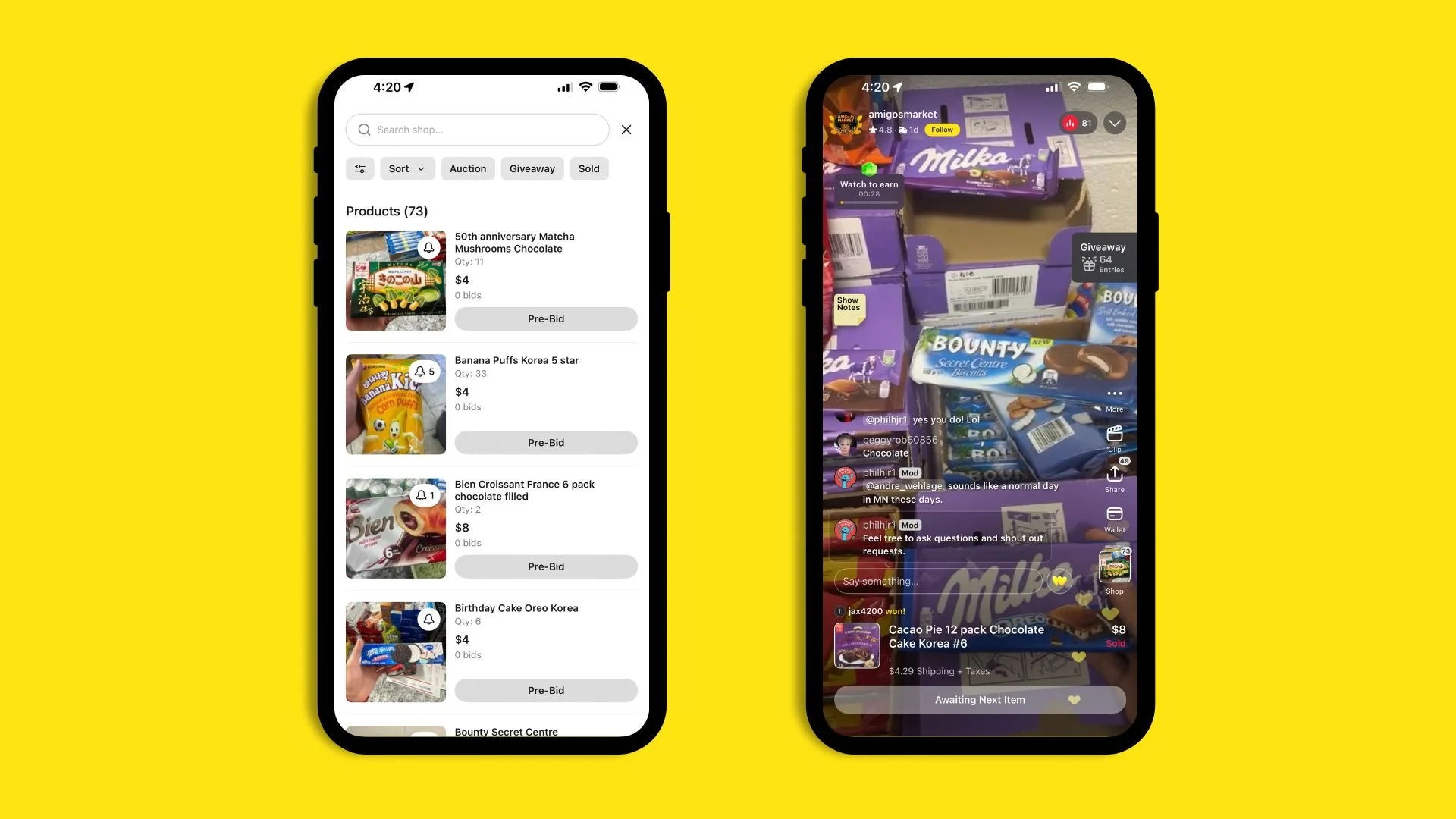
Sellers are already capitalizing on this momentum. Amigos Market, an Arizona convenience store turned international snack destination, leaned into Exotic Snacks and generated over $35,000 in sales within its first 90 days on Whatnot. Streaming live from their shop floor, they feature items like Lay’s Japanese Wagyu Kobe Steak chips, Doritos Fried Chicken Shots from Taiwan, and even peelable banana bread from China. By listing in a highly specific category, they’re reaching customers nationwide who are actively searching for hard-to-find products.
Using accurate subcategories helps us put your shows and product in front of the right buyers.
How to use it: List into the most specific category that fits your inventory. When your products are placed in the right space, discovery works harder for you, engagement gets stronger, and growth becomes more consistent.
Run the items buyers already want: smarter pre-bids
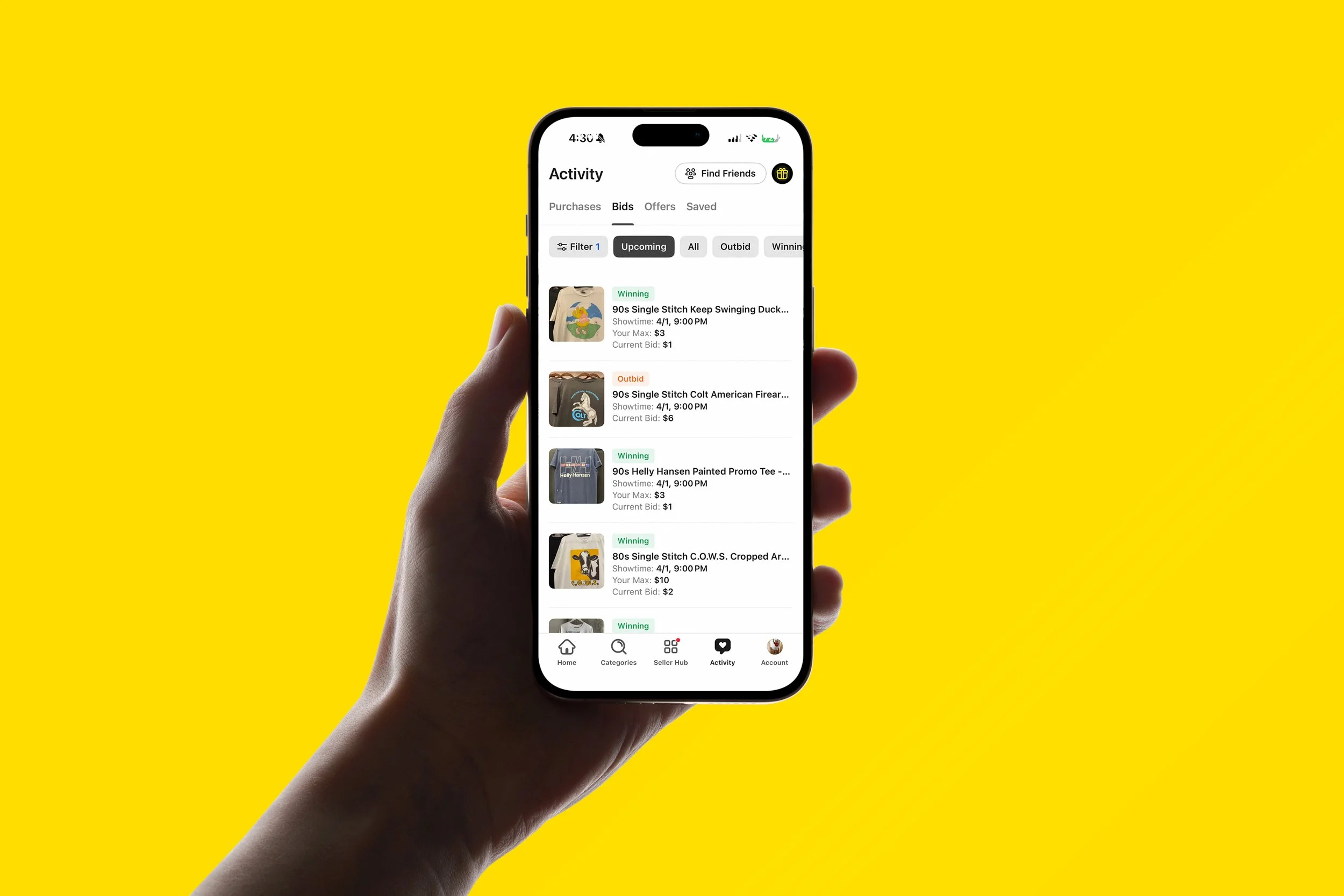
Pre-bids give you a preview of what buyers are excited about before your show even starts. Think of pre-bids as a built-in waitlist, and now it’s easier for everyone to see and use.
Buyers can now track all their pre-bids in one place in the Activity Tab under “Bids,” with clear status updates like Winning, Outbid, Expired, Won, or Lost. That way buyers know when they’ve been outbid and are more likely to jump back in. Keep in mind, this tab is dedicated to pre-bids placed before an item is run, and does not include bids made live during a show.
For sellers, that demand is now easier to spot, too. In your Live Shop, head to the Auctions tab and use the Pre-Bids filter to surface only listings with active pre-bids. Instead of guessing what to run next, you can clearly see which items already have buyers lined up.
The impact is significant: shows with strong pre-bid activity see up to 7× more total sales and nearly 4× more orders than shows without it.
How to use it: Check your pre-bid filter before and during your show, and instead of guessing what to run next, filter by pre-bids and prioritize items buyers have already raised their hands for. We’re rolling out this update now – if you don’t see it yet, it’ll be available to you soon.
Ship smarter: built-in protection for you and your buyers
Stronger protections lead to smoother transactions, which is better for buyers, better for sellers, and better for the marketplace as it grows.
It starts with scanning your shipments in the Whatnot app. When you confirm drop-off using the Shipment Scanner, you create instant proof right away — and that early scan makes a real difference.
When a shipment receives a drop-off scan, from any method, shipping-related support tickets decrease by up to 60%. That includes a 71% reduction in claims that an order hasn’t shipped and 50% fewer cases where a package was marked delivered but reported missing. Even among packages confirmed to be in transit, a drop-off scan reduces support contacts by about 20%.
Packages scanned with Whatnot’s Scanner see about 10% fewer issues than those relying only on a carrier acceptance scan, and your Account Health reflects when you actually dropped off the order.
How to use it: In your Seller Hub on the Whatnot app, tap the menu in the top-right corner and select Fulfillment. Open each order and tap Confirm Drop-Off. You can scan the shipping label directly in the app, which will automatically notify the buyer once the package has shipped.
Happy Selling!
– Whatnot Product Team